MPI+OpenMP: he-hy - Hello Hybrid! - compiling, starting

Prepare for these exercises:
cd ~; cp -a ~sct50054/MPIX-HLRS . # copy the exercises
cd ~/MPIX-HLRS/he-hy # change into your he-hy directory
Contents:
job_*.sh # job-scripts to run the provided tools, 2 x job_*_exercise.sh
*.[c|f90] # various codes (hello world & tests) - NO need to look into these!
hawk/*.o* # hawk job output files
 IN THE ONLINE COURSE he-hy shall be done in two parts:
first exercise = 1. + 2. + 3. + 4.
second exercise = 5. + 6. + 7. (after the talk on pinning)
1. FIRST THINGS FIRST - PART 1: :DEMO: find out about a (new) cluster - login node
module (avail, load, list, unload); compiler (name & --version)
Some suggestions what you might want to try:
 module list # are there any default modules loaded ? are these okay ?
module avail # which modules are available ?
# default versions ? latest versions ? spack ?
# ==> look for: compiler, mpi, likwid
module load likwid # let's try to load a module...
module load tools/likwid # ...the correct way on the HLRS training cluster
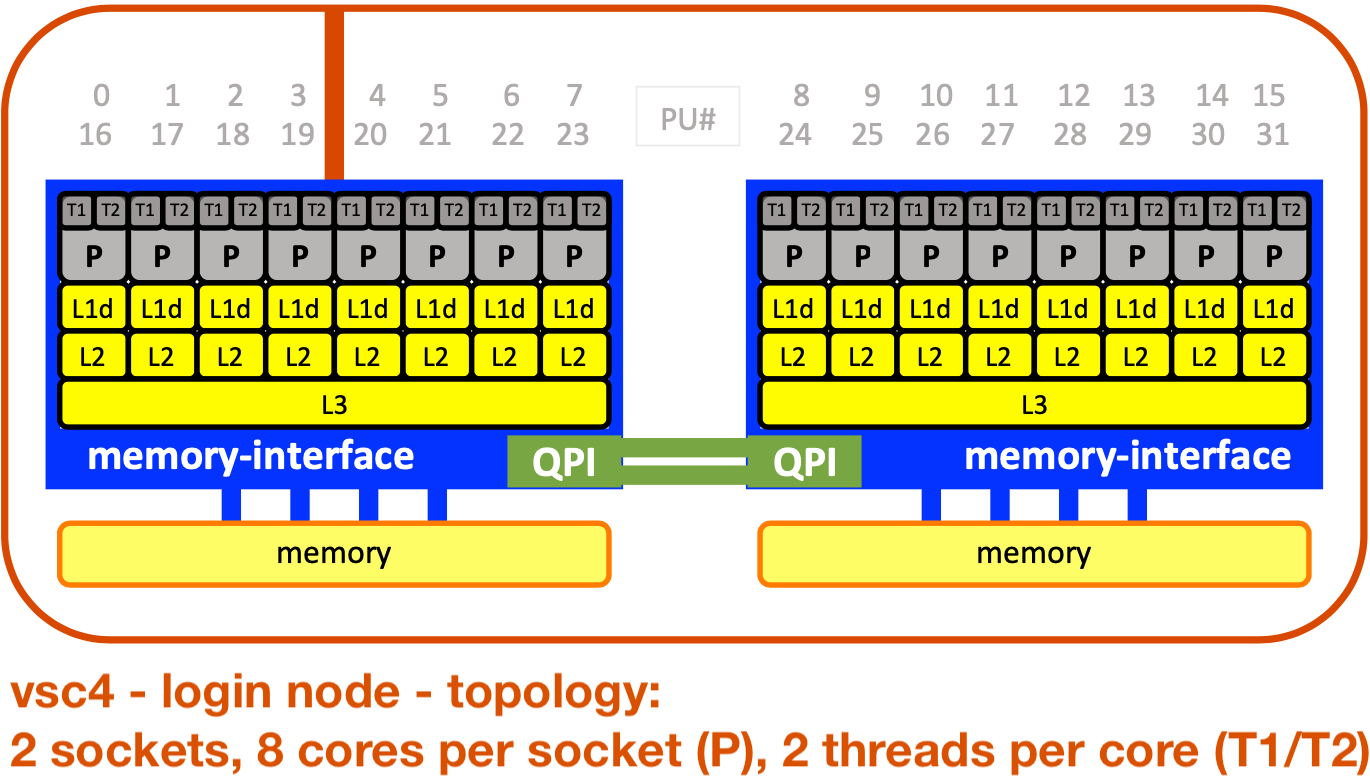
likwid-topology -c -g | less -S # ... and use it on the login node
module unload tools/likwid # clean up and get rid of loaded modules
numactl --hardware # provides the same information...
module list # list modules loaded
echo $CC # check compiler names
echo $CXX #
echo $F90 #
gcc --version # check versions for standard compilers
g++ --version #
gfortran --version #
 module load compiler/nvidia/mpi-25.3 # load an mpi module
mpi<tab><tab> # figure out which MPI wrappers are available
mpicc --version # try standard names for the MPI wrappers
mpicxx --version #
mpif90 --version #
mpif08 --version #
Always check compiler names and versions, e.g. with: mpicc --version !!!
2. FIRST THINGS FIRST - PART 2: :DEMO: find out about a (new) cluster - batch jobs
 job environment, job scripts (clean) & batch system (PBSPro); test compiler and MPI version
job_env.sh, job_te-ve_[c|f].sh, te-ve*
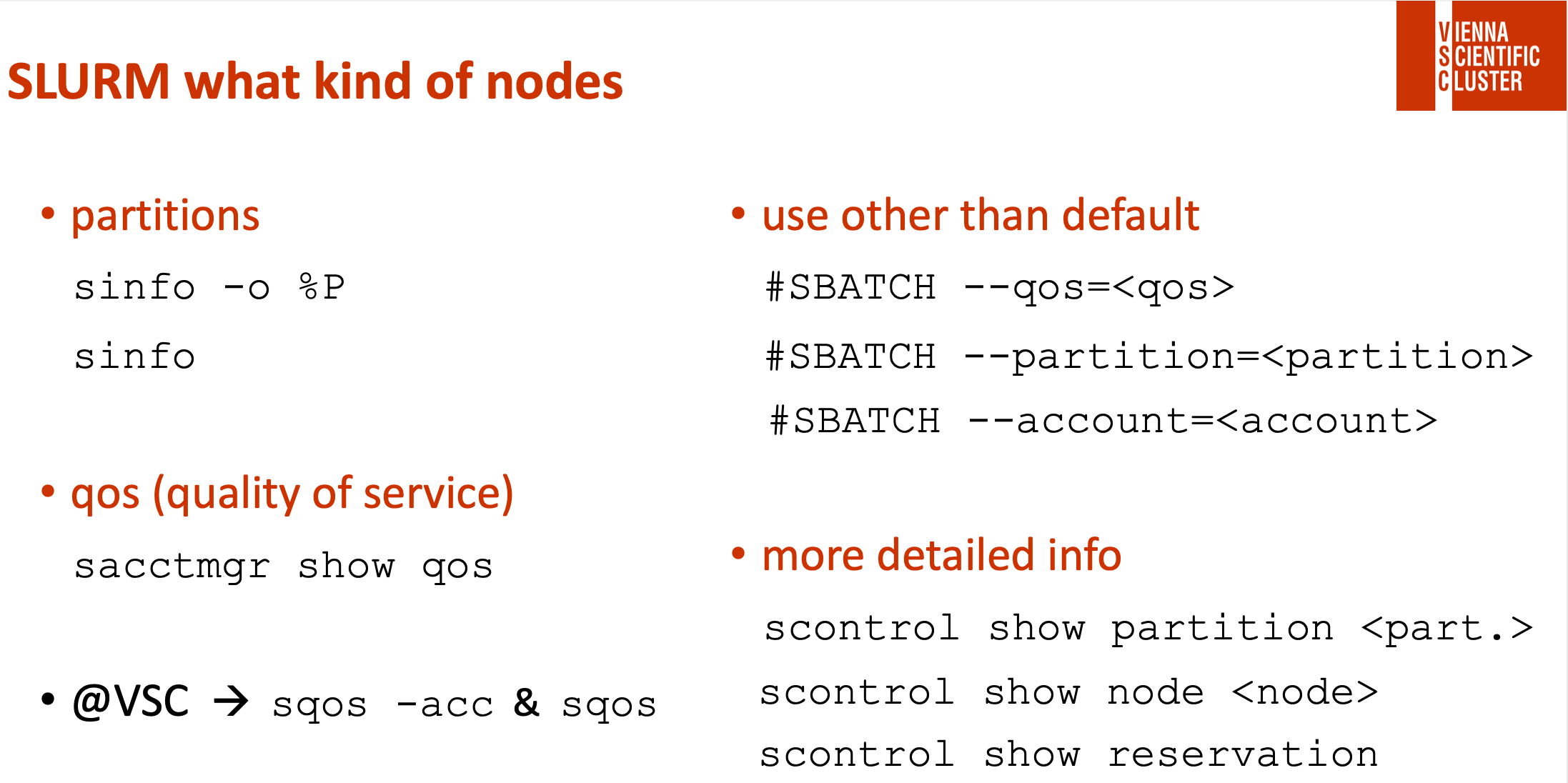
! there might be several hardware partitions and qos on a cluster & a default !
! you have to check all hardware partitions you would like to use separately !
! in the course we have a node reservation, activate with -q smp !
PBSPro:
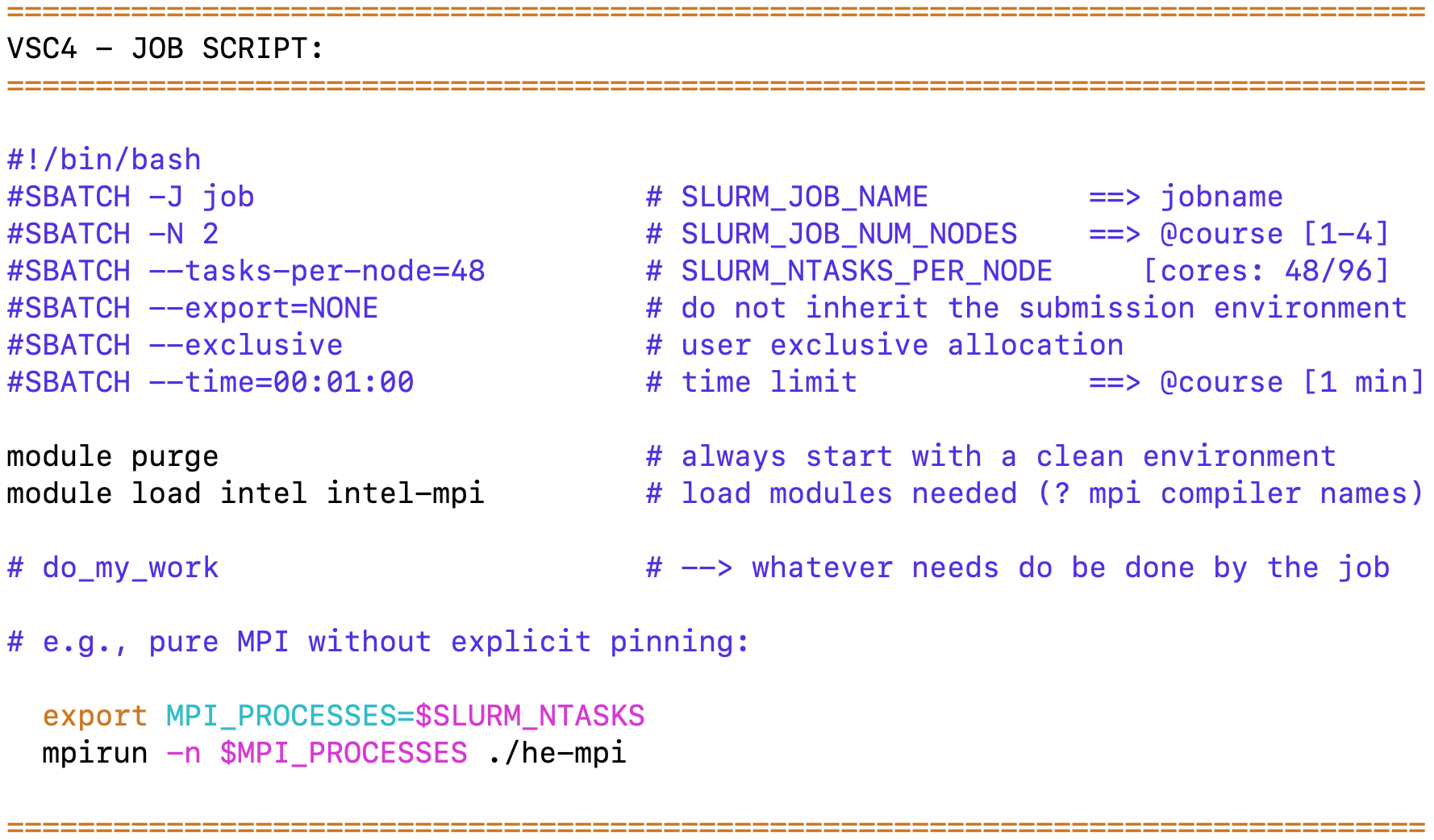 qsub job*.sh # submit a job
qstat # check status
qdel JOB_ID # delete a job
*.o* & *.e* # job output & error
qsub job_env.sh # check job environment
mpicc -o te-ve te-ve.c | mpif90 -o te-ve te-ve-mpi_f08.f90 # compile on login node
| mpif90 -o te-ve te-ve-mpi_old.f90
| mpif90 -o te-ve te-ve-mpi_old-key.f90
mpirun -n 1 ./te-ve # run on login node
qsub job_te-ve_c.sh | qsub job_te-ve_f.sh # submit job (te-ve)
3. MPI+OpenMP: :TODO: how to compile and start an application
how to do conditional compilation
job_co-co_[c|f].sh, co-co.[c|f90]
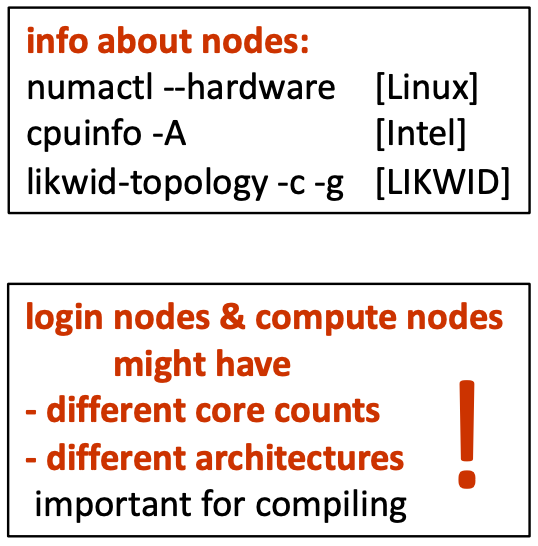
Recap:
| compiler: | ? USE_MPI | ? _OPENMP | START APPLICATION: | |||
|---|---|---|---|---|---|---|
| C: | export OMP_NUM_THREADS=# | |||||
| with MPI | mpicc | -DUSE_MPI | -fopenmp | … | mpirun -n # ./<exe> | |
| no MPI | gcc | -fopenmp | … | ./<exe> | ||
| Fortran: | export OMP_NUM_THREADS=# | |||||
| with MPI | mpif90 | -cpp | -DUSE_MPI | -fopenmp | … | mpirun -n # ./<exe> |
| no MPI | gfortran | -cpp | -fopenmp | … | ./<exe> |
TODO:
→ Compile and Run (4 possibilities) co-co.[c|f90] = Demo for conditional compilation.
→ Do it by hand - compile and run it directly on the login node (e.g., with #=4).
→ Have a look into the code: co-co.[c|f90] to see how it works.
→ It's also available as a script: job_co-co_[c|f].sh
Always check compiler names and versions, e.g. with: mpicc --version !!!
4. MPI+OpenMP: :TODO: get to know the hardware - needed for pinning
(→ see also slide ##)
TODO:
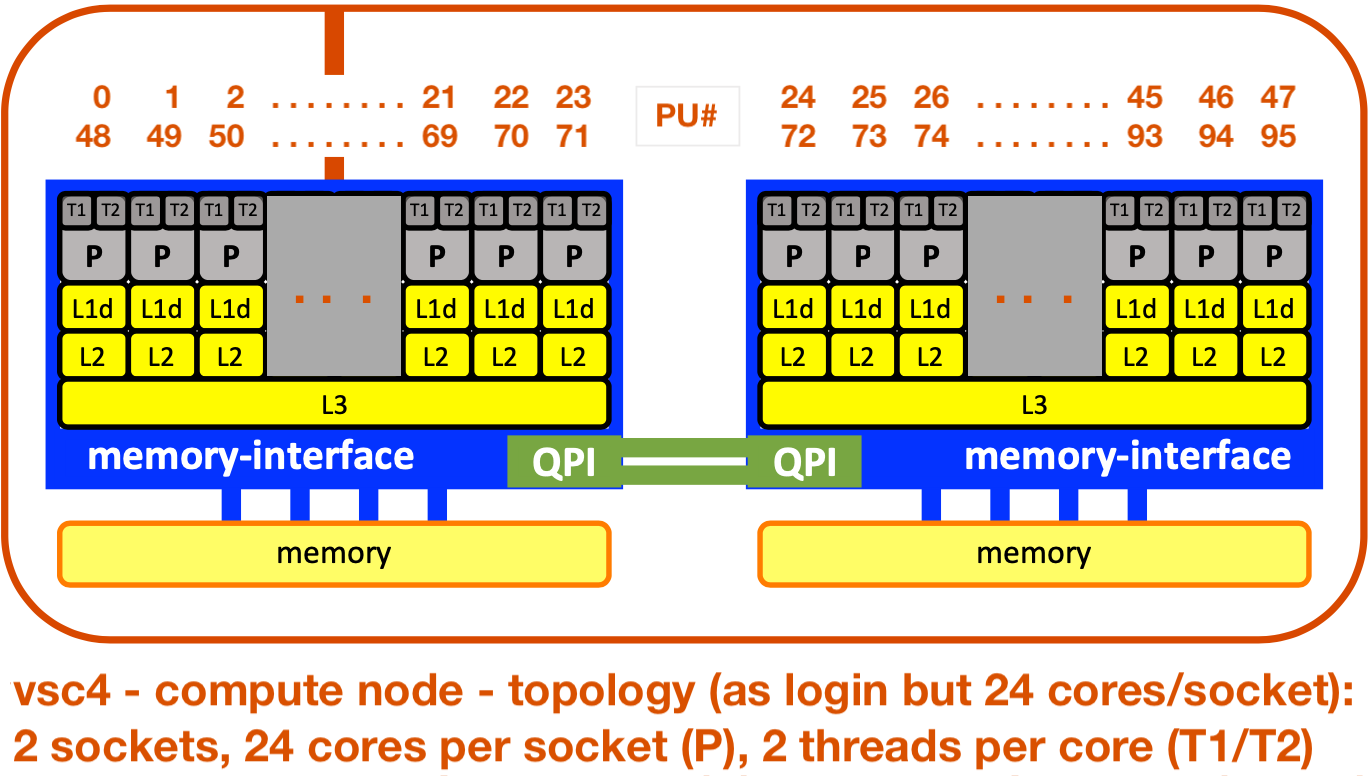 → Find out about the hardware of compute nodes:
→ Write and Submit: job_check-hw_exercise.sh
→ Describe the compute nodes... (core numbering?)
→ solution = job_check-hw_solution.sh
→ solution output = check-hw.o_solution